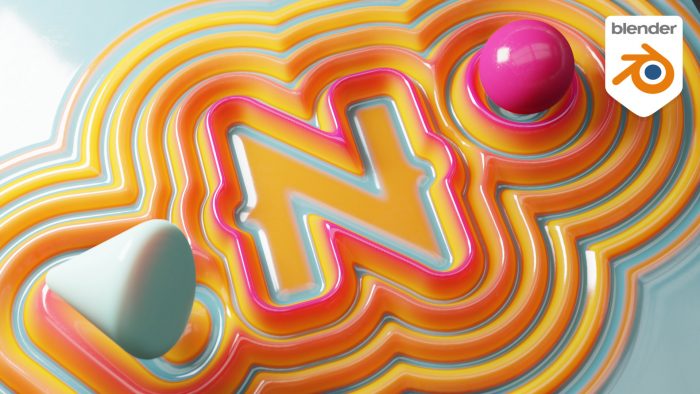
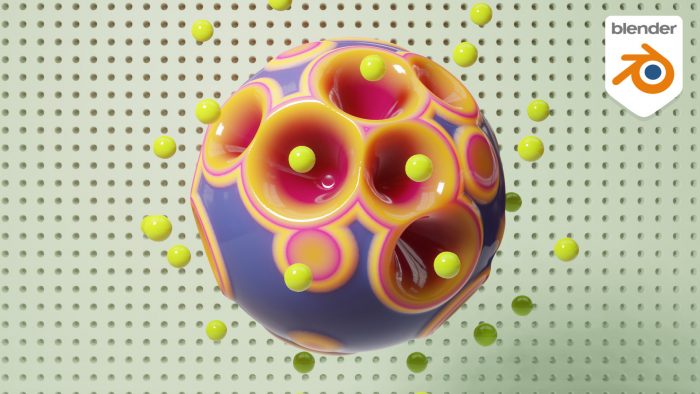
The development of Geometry Nodes inside of Blender does not slow down. Recently they added support for vertex normals on input meshes. Manu guides you through the stages required to build this space orb effect that relies on vertex normals. You’ll learn some procedural animation […]
All Posts tagged “Blender”
Dynamic Outlines with Blender Geometry Nodes and Eevee
Now that Blender features procedural workflows with its lates feature addition Geometry Nodes its time for us to have a look at the other side of the fence. This tutorial mini-series looks into GN from a Houdini users perspective and explores what’s already there and […]
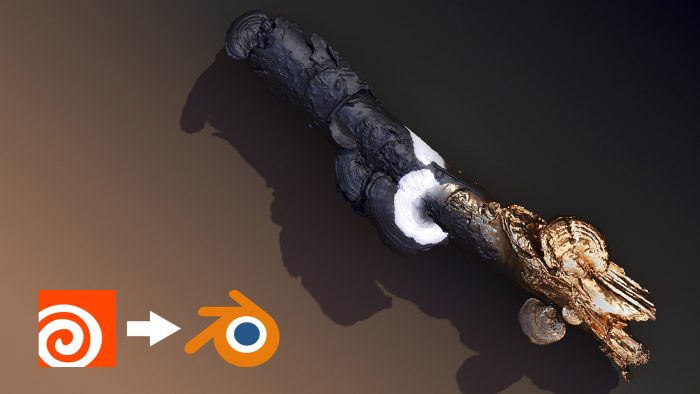
Exporting Alembics For Blender: A Few Hacks
EDIT: Thanks so much for the many comments & hints! Josh Rizzo on Twitter pointed out I’m missing a few import options when loading in the alembic. Here’s how to import animated attributes without a deforming/animated mesh:– Import Alembic– Check “Set Frame Range” and “Is Sequence” […]
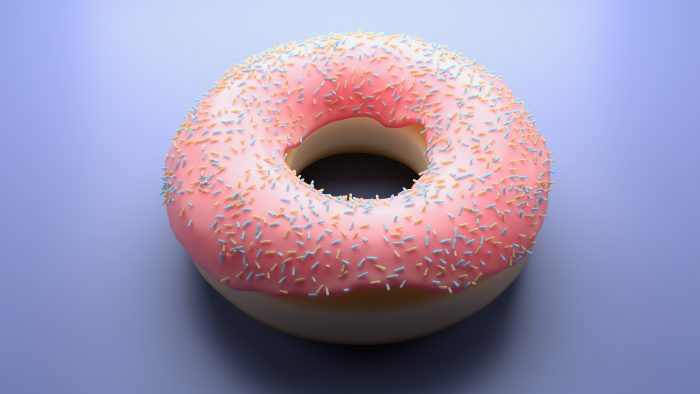
The Houdini Donut Tutorial!
EDIT: Simon Fiedler just informed me that in fact we’re not the first ones to do a Houdini Donut tut. Dang! Kudos to Konstantin Magnus! — Mo has recently started learning Blender. (Don’t worry – we won’t ditch Houdini. We just think Blender makes for […]
Rendering 101 – pt. 18: Layering Materials (Plus A Bit Of Curvature)
To view this content, you must be a member of Entagma’s Patreon at $29 or more
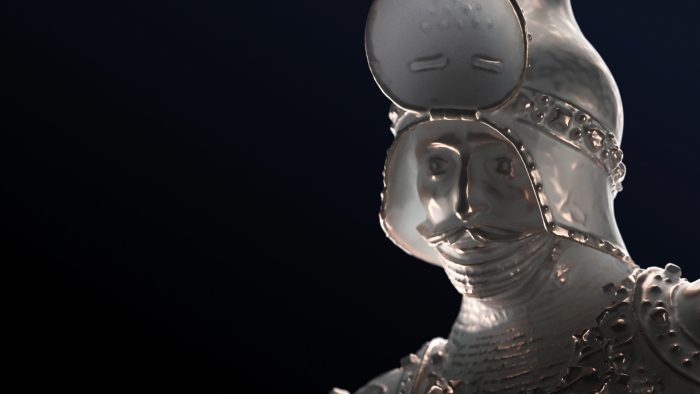
Rendering Houdini Effects in Eevee
Since the release of Blender 2.8 people are looking into Eevee, their rasterisation real time render engine. Eevee is free and gives good and quick results, so why not bringing over effects from Houdini to render there. In this tutorial I’ll walk you through the […]
Nerd Rant: Blender Hype
You Asked for it – there you have it: Two hobgoblinish nerds rambling on about computer graphics in general and Blender and the recent hype in particular. EDIT: “That 3D Format” whose name we couldn’t remember turns out to be gltF – thanks Vasilis!
Quicktip: Blender – Alt-Navigation
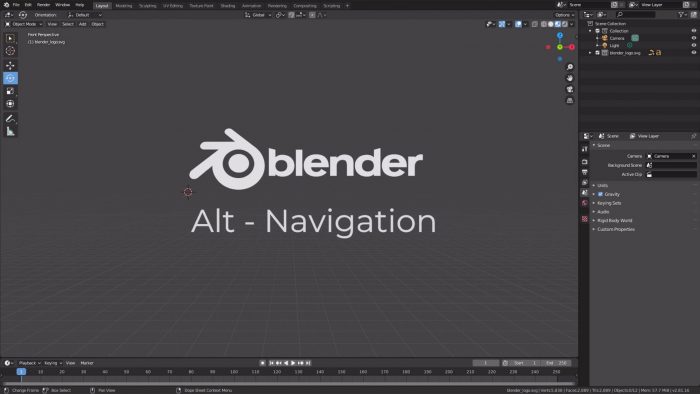
In this Quicktip Manu will share his settings for combining standard navigation in Blender’s viewport while keeping most other shortcuts untouched to be able to follow Blender tutorials using Blender style shortcuts. Download Key Config (Blender 3.1)